LabelGroupLayer 文字标签组图层
LabelGroupLayer 类用于在 Cesium 中高效管理和显示批量文字标签。它基于 Cesium.LabelCollection 实现,利用 Primitive API 渲染文字,相比于 Entity API,在处理成千上万个标签时具有显著的性能优势。
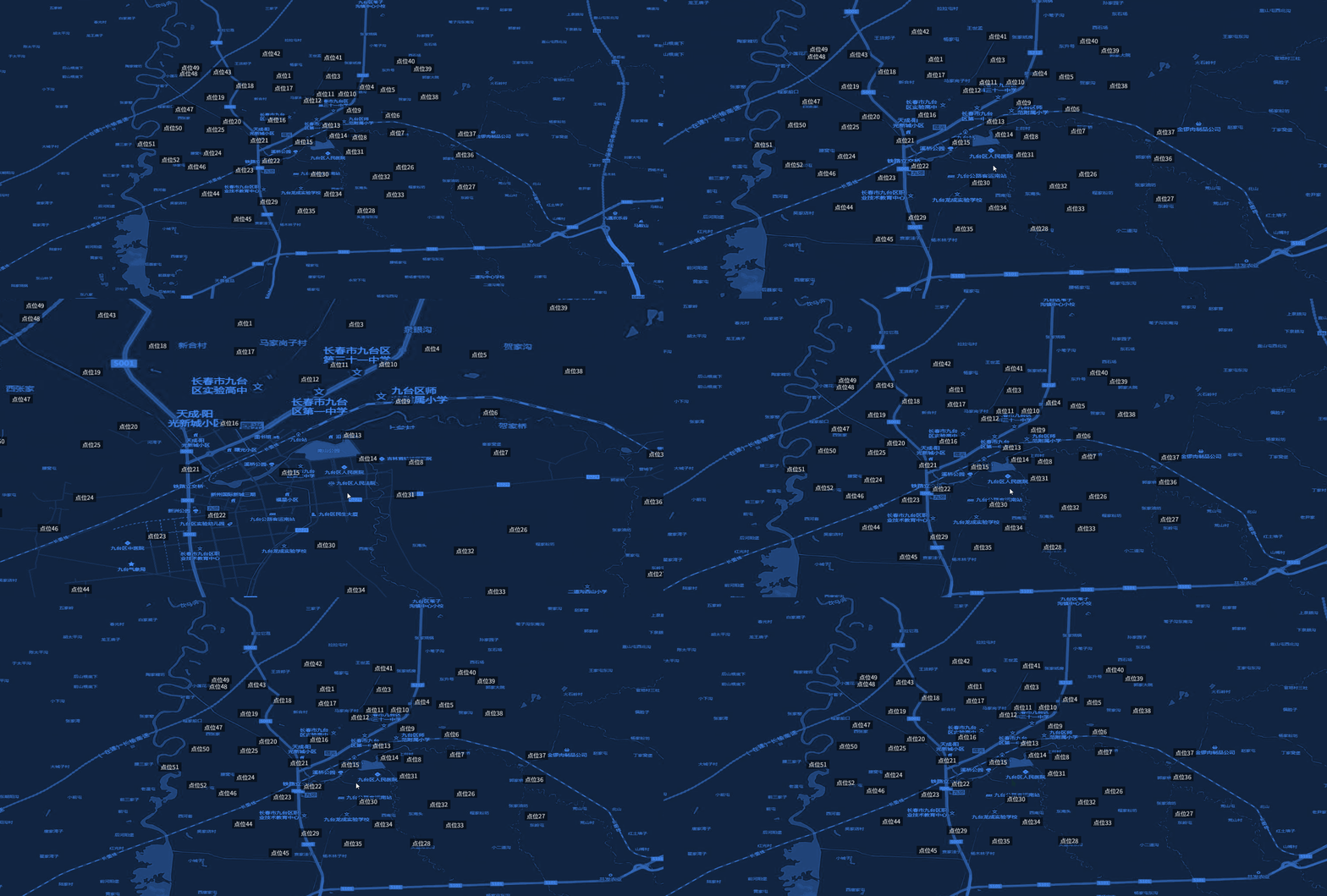
效果预览:
构造函数
new LabelGroupLayer(viewer, config)
| 参数 | 类型 | 描述 |
|---|---|---|
| viewer | object | Cesium Viewer 实例 |
| config | object | 全局默认样式配置项 |
config 参数说明
| 参数 | 类型 | 默认值 | 描述 |
|---|---|---|---|
| text | string | 'label' | 默认显示文本 |
| fontSize | string | '12px' | 字体大小和样式 |
| color | string | '#ffffff' | 字体颜色 |
| backgroundColor | string | 'rgba(0, 0, 0, 0.5)' | 背景颜色 |
| showBackground | boolean | false | 是否显示背景 |
| offsetZ | number | 0 | 水平偏移量 (pixelOffset.x) |
| offsetY | number | 0 | 垂直偏移量 (pixelOffset.y) |
方法说明
setData(data)
- 参数:
data(Array) - 符合 数据规范 的点数据数组。 - 描述:清空当前图层并批量加载标签。
addLayer(options)
- 参数:
options(Object) - 单个标签的配置。geometry: 包含coordinates(经纬度数组)。properties: 可选,包含id,text等,用于覆盖全局配置。
- 返回值:
Cesium.Label - 描述:在图层中添加一个文字标签。
removeLayer(label)
- 参数:
label(Cesium.Label) - 需要移除的标签实例。
clearLayer()
- 描述:清空图层中所有的标签。
show() / hide()
- 描述:控制图层的显示与隐藏。
getLayerById(id)
- 参数:
id(string) - 标签的唯一标识符。 - 返回值:
Cesium.Label | null
removeLayerById(id)
- 参数:
id(string) - 唯一标识符。
destroy()
- 描述:从场景中移除
LabelCollection并销毁图层。
使用示例
js
import { MapLayers } from "@/components/BMapViewer/b-map-viewer.js";

// 1. 初始化文字标签组图层
const labelLayer = new MapLayers.LabelGroupLayer(viewer, {
    fontSize: '14px bold sans-serif',
    color: '#ffff00',
    showBackground: true
});

// 2. 加载数据
labelLayer.setData([
    {
        geometry: {
            type: 'Point',
            coordinates: [116.39, 39.91]
        },
        properties: {
            id: 'label-1',
            text: '北京故宫'
        }
    }
]);

// 3. 获取标签实例
const label = labelLayer.getLayerById('label-1');
实现细节
- 图层内部使用
Cesium.LabelCollection,属于底层 Primitive 接口,渲染效率极高。 - 默认配置了
scaleByDistance(500,000m 到 1,000,000m 之间进行缩放),以优化远距离下的视觉效果。 - 标签锚定方式默认为水平居中 (
CENTER),垂直底部 (BOTTOM)。