LineMaterialLayer 高性能材质线图层
LineMaterialLayer 类利用 Cesium 的 Primitive API 和 PolylineMaterialAppearance 来加载具有复杂材质效果的高性能线图层。相比 LineGroupLayer,它在渲染大量线几何体时具有更优的性能表现。
效果预览:
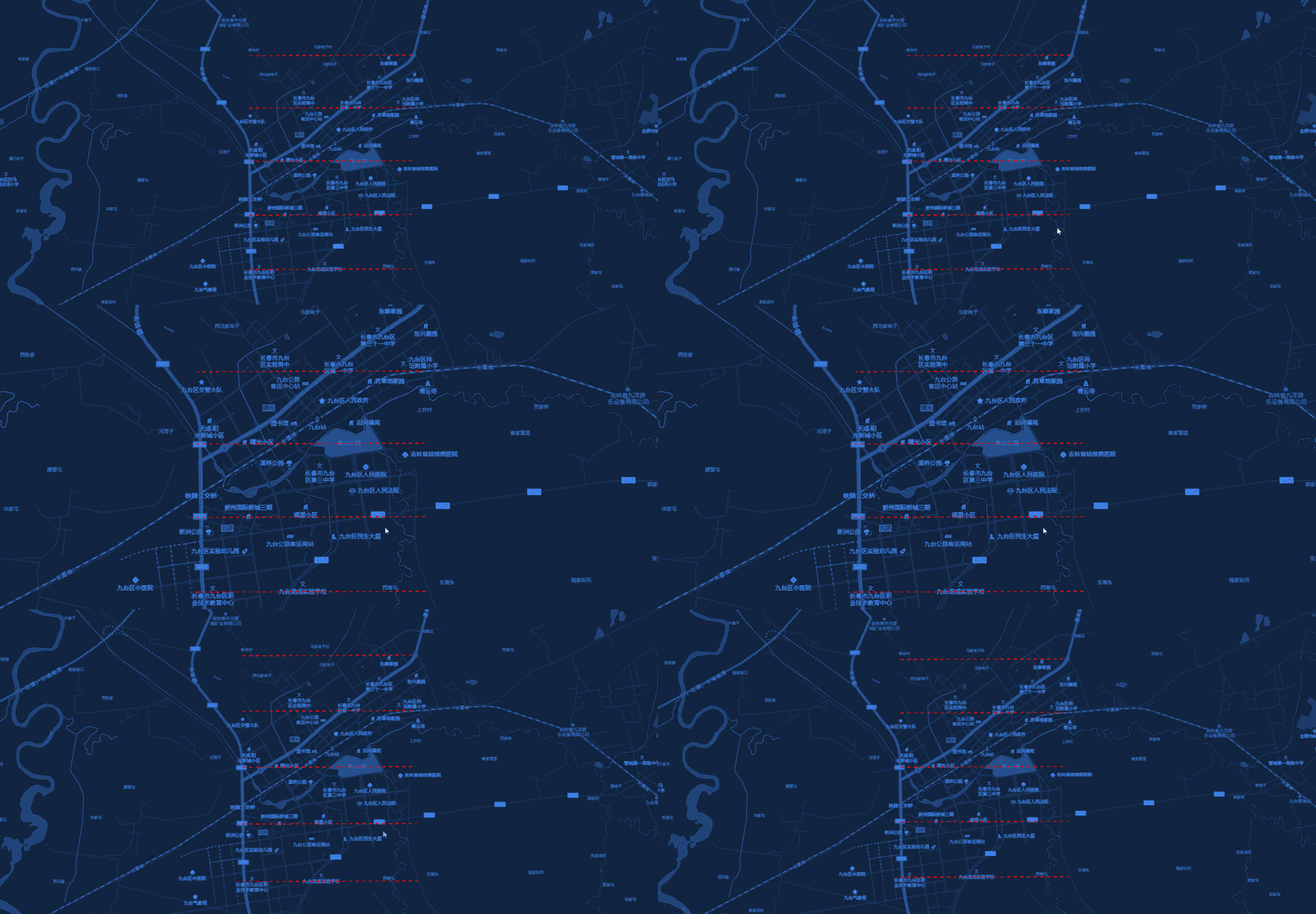
构造函数
new LineMaterialLayer(viewer, config)
| 参数 | 类型 | 描述 |
|---|---|---|
| viewer | object | Cesium Viewer 实例 |
| config | object | 全局配置项 |
config 参数说明
| 参数 | 类型 | 默认值 | 描述 |
|---|---|---|---|
| type | string | 'glow' | 材质类型(见下文) |
| width | number | 2 | 线条宽度 |
| color | string | '#ffffff' | 默认颜色 |
| outlineColor | string | '#ff0000' | 描边颜色(仅限 outline 类型) |
| outlineWidth | number | 1.0 | 描边宽度(仅限 outline 类型) |
| dashLength | number | 16.0 | 虚线长度(仅限 dash 类型) |
| gapColor | string | 'transparent' | 虚线间隙颜色(仅限 dash 类型) |
| glowPower | number | 0.25 | 发光强度(仅限 glow 类型) |
| taperPower | number | 1.0 | 渐变强度(仅限 glow 类型) |
材质类型 (Type)
支持以下基于 PolylineMaterialAppearance 的材质效果:
- glow: 默认值,发光线效果。
- dash: 虚线效果。
- outline: 带有描边的线条效果。
- arrow: 带有箭头的线条效果。
方法说明
setData(data)
- 参数:
data(Array) - 符合 数据规范 的线数据数组。 - 描述:清空现有图层并使用指定的材质和高性能 Primitive 重新加载批量数据。
properties支持width参数。
getLayerById(id)
- 参数:
id(string) - 线的唯一标识符。 - 返回值:
Cesium.GeometryInstanceAttributes - 描述:获取指定 ID 的线对象(几何体实例属性)。
getLayerDataById(id)
- 参数:
id(string) - 线的唯一标识符。 - 返回值:
Object - 描述:根据 ID 在原始
data数组中查找对应的原始数据项。
clearLayer()
- 描述:从场景中安全移除当前的 Primitive 对象。
show() / hide()
- 描述:控制整个图层的显示与隐藏。
destroy()
- 描述:销毁图层并释放所有相关资源。
使用示例
js
import { MapLayers } from "@/components/BMapViewer/b-map-viewer.js";

// 1. 初始化高性能材质线图层(配置为虚线材质)
const materialLayer = new MapLayers.LineMaterialLayer(viewer, {
    type: 'dash',
    color: '#00ccff',
    width: 3,
    dashLength: 20
});

// 2. 加载数据
materialLayer.setData([
    {
        geometry: {
            type: 'LineString',
            coordinates: [
                [110.0, 30.0],
                [120.0, 35.0]
            ]
        },
        properties: {
            id: 'm-line-1',
            name: '高性能材质线',
            width:5,
        }
    }
]);

// 3. 销毁图层
// materialLayer.destroy();
注意事项
- 该图层在整个图层级别应用单一材质类型。如果需要在一个集合中混合使用多种材质类型,建议使用
LineGroupLayer。 asynchronous设置为false以确保几何体立即创建。