LineGroupLayer 线组图层
LineGroupLayer 类用于在 Cesium 中批量渲染线(Polyline)。它基于 Cesium.PolylineCollection 实现,具有较高的渲染性能,支持多种内置材质类型(如虚线、发光线、箭头线等)以及自定义颜色和宽度。
效果预览:
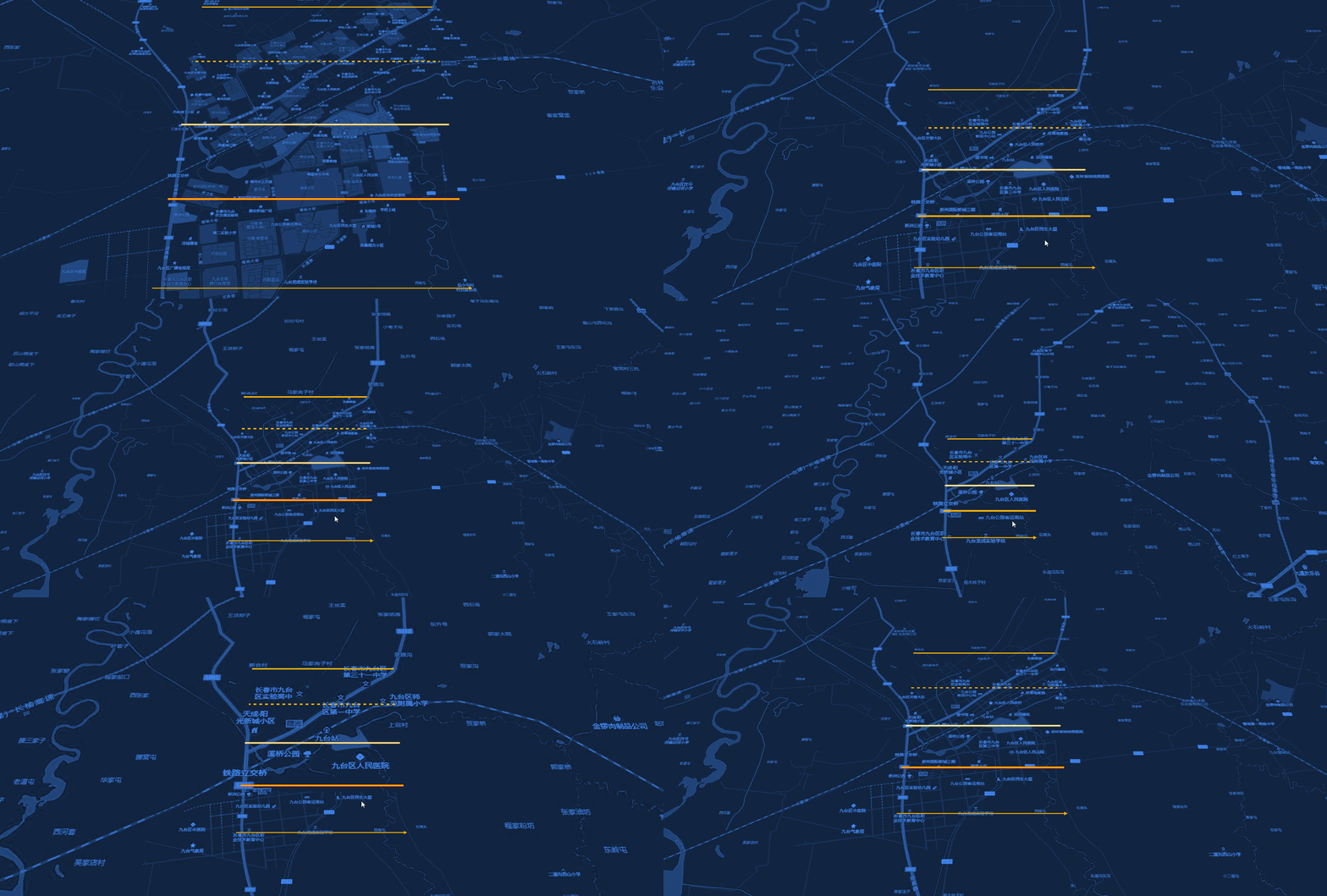
构造函数
new LineGroupLayer(viewer, config)
| 参数 | 类型 | 描述 |
|---|---|---|
| viewer | object | Cesium Viewer 实例 |
| config | object | 全局线样式配置项 |
config 参数说明
| 参数 | 类型 | 默认值 | 描述 |
|---|---|---|---|
| type | string | 'default' | 默认线类型(材质类型) |
| color | string | '#ffffff' | 默认线条颜色 |
| width | number | 2 | 默认线条宽度 |
材质类型 (Type)
通过在 config 或数据的 properties 中设置 type 字段,可以更改线条的渲染效果:
- default: 普通实线。
- dash: 虚线。支持通过
properties传递dashLength和gapColor。 - glow: 发光线。支持通过
properties传递glowPower和taperPower。 - outline: 描边线。支持通过
properties传递outlineColor和outlineWidth。 - arrow: 箭头线。
方法说明
setData(data)
- 参数:
data(Array) - 符合 数据规范 的线数据数组。 - 描述:清空当前图层并批量加载新数据。
addLayer(options)
- 参数:
options(Object) - 单条线的配置,包含geometry和properties。 - 返回值:
Cesium.Polyline - 描述:向图层添加单条线。
properties支持width,color,type等参数。
removeLayer(polyline)
- 参数:
polyline(Cesium.Polyline) - 需要移除的线实例。 - 描述:从图层中移除指定的线。
removeLayerById(id)
- 参数:
id(string) - 线的唯一标识符。 - 描述:从图层中移除指定 ID 的线。
clearLayer()
- 描述:清空图层中所有的线。
show() / hide()
- 描述:控制整个图层的显示与隐藏。
destroy()
- 描述:销毁图层并释放资源。
使用示例
js
import { MapLayers } from "@/components/BMapViewer/b-map-viewer.js";

// 1. 初始化线组图层(全局配置为虚线)
const lineLayer = new MapLayers.LineGroupLayer(viewer, {
    type: 'dash',
    color: '#00ffff',
    width: 3
});

// 2. 加载数据
lineLayer.setData([
    {
        geometry: {
            type: 'LineString',
            coordinates: [
                [116.39, 39.9],
                [121.47, 31.23]
            ]
        },
        properties: {
            id: 'line-1',
            type: 'glow', // 此线条单独使用发光材质
            glowPower: 0.3
        }
    }
]);

// 3. 隐藏图层
// lineLayer.hide();